 Meye
MeyeMeye for AI agents
Claude Code demo videos, directed by your agent.
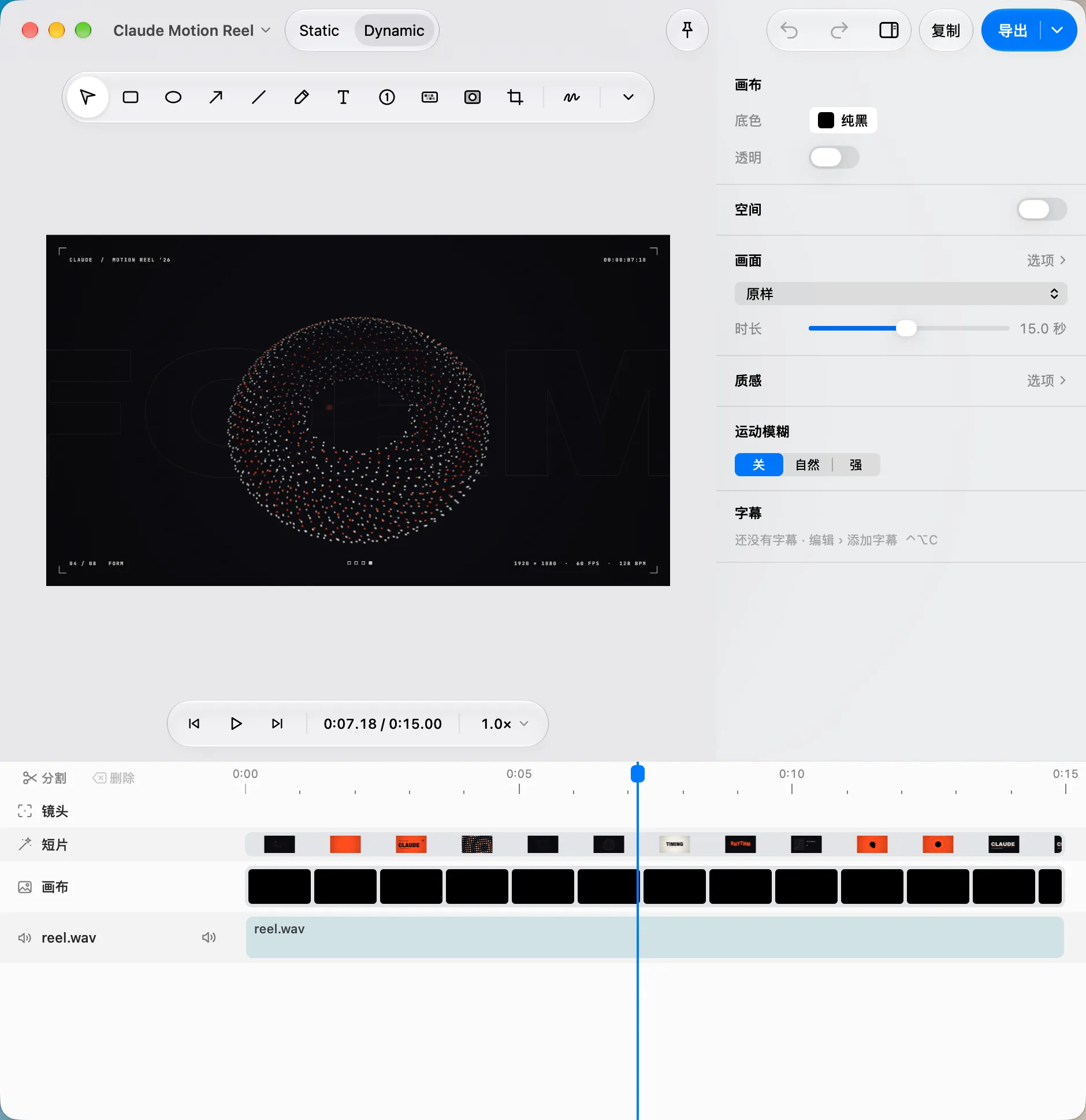
Meye is a native Mac screen recorder with a command line your agent already knows. Claude Code or Codex records the window, skips the idle parts, zooms where the cursor works, writes the captions, scores the cut and exports it. Every step lands live in your editor, and ⌘Z takes any of it back.
What your agent can do.
The meye command reaches every control in the editor and answers in JSON. These are real commands.
Capture
Screen, window, region or an iPhone over USB, with mic, system audio, camera and keystrokes. Screenshots with meye shot.
meye record start --window <id> --waitLook
Renders any moment as a PNG, so the agent can see the cut before it changes it.
meye preview --at 1,4,8Edit
Zooms that follow the cursor, skip idle, trim, speed, captions typed or imported from SRT or VTT, reframing to a new aspect ratio.
meye zoom add 3.5 --follow cursorScore
A four-part score whose tempo lands the cuts on bar lines. Same seed, same song.
meye music add --mood driving --seed 128Check
Asks Meye what is off in the motion, look, layout or loop, in the editor’s own words.
meye check layoutExport
MP4, GIF, WebP, APNG, Live Photo, ProRes 4444, HEVC with alpha or a PNG sequence.
meye export --format mp4 --size 1080p --waitFrom install to export in four steps.
Meye needs macOS 26 or later on Apple silicon. Open it once before you call it from a terminal.
Install Meye
Paste this into Terminal. It installs Meye in Applications and opens it. Or use the download button.
curl -fsSL https://release.meye.ruobin.dev/install.sh | bashAllow AI control
In Meye, open Settings ▸ Automation and turn on Allow AI / CLI Control. Under Skills ▸ Manage…, pick Claude Code, Codex or a custom folder; Meye installs the
meyeandmeye-directorskills there.Check the connection
Exit code 0 means ready. 3 means Meye is not open, 4 means automation is off. Grant Screen Recording in System Settings before the first capture.
meye statusAsk, or run it yourself
Tell your agent what you want in plain words. Or paste the same session into a terminal and change the window id.
Ask your agentRecord the Settings window for 20 seconds while I click through it. Skip the idle parts, zoom on my clicks, caption the first second, add a driving score and export a 1080p MP4.
Or run the session$ export MEYE_AGENT=claude MEYE_AGENT_NAME=Claude$ meye targets # windows and displays, with ids$ meye record start --window <id> --duration 20 --wait$ meye skip-idle --on$ meye zoom add 3.5 --follow cursor$ meye captions add 0.5 --text "Ship it."$ meye music add --mood driving --seed 128$ meye preview --at 1,4,8$ meye export --format mp4 --size 1080p --wait
On Free, only
help,version,status,schemaandprorun; the rest exit with code 11. The 7-day Pro trial starts at first launch and needs no card.
One command, one undo step.
Each command goes through the same actions as the editor’s own controls. It shows live in your draft and lands in the undo history under its own name, so you can review the agent’s work like a colleague’s.
While an agent works, the editor shows AI Editing with a Stop button. If you are editing the same draft, the agent gets exit code 9 instead of overwriting you.
 ↺Undo AI: Add Music⌘Z
Made for Claude Code and Codex.
Anything that can run a shell command can drive Meye. Claude Code and Codex get skills that already know how.
Skills from Settings
Settings ▸ Automation ▸ Skills ▸ Manage… installs meye for single edits and meye-director for whole films: promos, explainers, storyboards, clicks set to music.
JSON and exit codes
Every command answers in JSON. Refusals come back as exit codes with Meye’s own explanation, so the agent knows whether to retry, ask you or stop.
A name in the history
export MEYE_AGENT=claude MEYE_AGENT_NAME=Claude once per shell tells the undo history which AI made each step. The interface itself just says AI.
Exit codes
Longer jobs as Python scripts.
When the next step depends on the last answer, the agent writes a script. The meye module ships with the app: Python 3.9 or newer, standard library only, nothing to pip install.
import meye

d = meye.history(kind="recording", limit=1)[0]
with d.edit("Tighten the demo"):      # one undo step
    d.skip_idle()
    d.lens().zoom(1, 4, follow="cursor")
    d.add_caption("Ship it.", 0.5, 3)
    d.music.add(mood="driving", seed=128)
print(d.contact_sheet([1, 3, 5]))      # one PNG to look at
print(d.export(format="mp4"))         # waits, prints the file
$ meye run tighten.py- A
with d.edit(…)block is one undo step. An exception, ⌃C or a crash takes all of it back. - Refusals arrive as exceptions by exit code, carrying Meye’s explanation.
meye sdk pathprints the module’s folder if you want it on another Python’s path.
Layers your agent writes as code.
A program layer, or generator, is a small local MCP stdio server in any language: p5.js, three.js, Python, Rust. Meye seeks it frame by frame, builds its controls from the schema and keyframes them like any other layer.
$ meye generator place --name "Title card" -- node title.mjs- A generator never runs until you allow it on this Mac.
- Its frames are stored in the draft, so the film still opens and exports without it.
- This is where Meye speaks MCP. Agents drive Meye itself through the CLI and Python, not through an MCP server.
What stays on your Mac.
Meye is a native app. It has no account, no analytics and no cloud editor.
Your recordings
Captures, drafts and exports stay on your Mac. Meye works offline.
Reading the screen
Text on screen is read by Apple’s Vision on the Mac, and narration is aligned to its script on the Mac.
Your agent
What your agent reads, such as previews and JSON, goes wherever your agent sends it. Meye itself uploads nothing.
Free vs Pro for automation.
Plainly: on Free, an agent can check status and read help, and nothing more. Editing by agent is Pro.
| Free | Pro | |
|---|---|---|
| Capture and edit in the app | Without limits | Without limits |
| Exports | The first 5 captures each day, with a small “Made with Meye” mark | Unlimited, no mark |
| CLI and Python | help, version, status, schema, pro | Every command |
| Program layers placed by an agent | No | Yes |
| Macs | Any | 3 per licence, works offline |
Pioneer price, for the first 90 days after launch or the first 1,000 lifetime licences: $0.99 a month, $9.9 a year or $39.9 for life. Pioneer subscriptions keep their price while subscribed.
After that: $3.99 a month, $36 a year or $69 for life. Students get 30% off. In China, pay in yuan for month or year passes or a lifetime licence.
7-day Pro trial from first launch. No card.
Questions
Yes. Meye installs its skills for Claude Code, Codex or any folder you choose from Settings ▸ Automation ▸ Skills. Any other agent that can run a shell command can use the meye CLI the same way.
No. Agents control Meye through the meye command line and its Python module. Meye uses MCP the other way round: program layers are MCP stdio servers that Meye runs and renders.
Only help, version, status, schema and pro. Every editing command needs Pro and exits with code 11 otherwise. Pro is free for 7 days from first launch, with no card.
Yes. Each command is one step in the editor’s undo history, named like “Undo AI: Add Music”, and a Python edit block is one step too. Press Stop in the editor to end an agent’s session at once.
No. Captions are typed, imported from SRT or VTT, or aligned on your Mac to a narration script you provide. There is no automatic speech-to-text.
Not through Meye. Capture, editing, music and export run locally. Anything your agent reads, such as preview images, follows your agent’s own privacy terms.
macOS 26 or later on Apple silicon. Meye is not yet notarized by Apple, so the first launch needs one extra step; the install command above avoids it.
Give your agent a camera.
Download Meye, turn on AI control and ask for the cut.